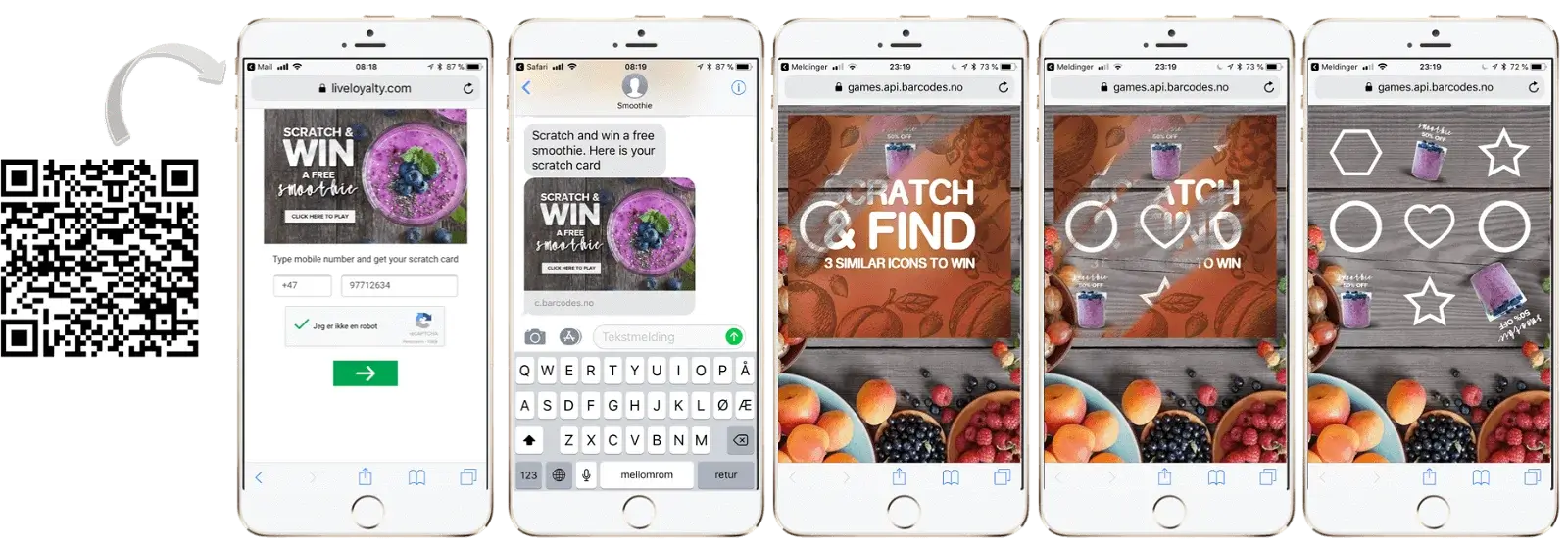
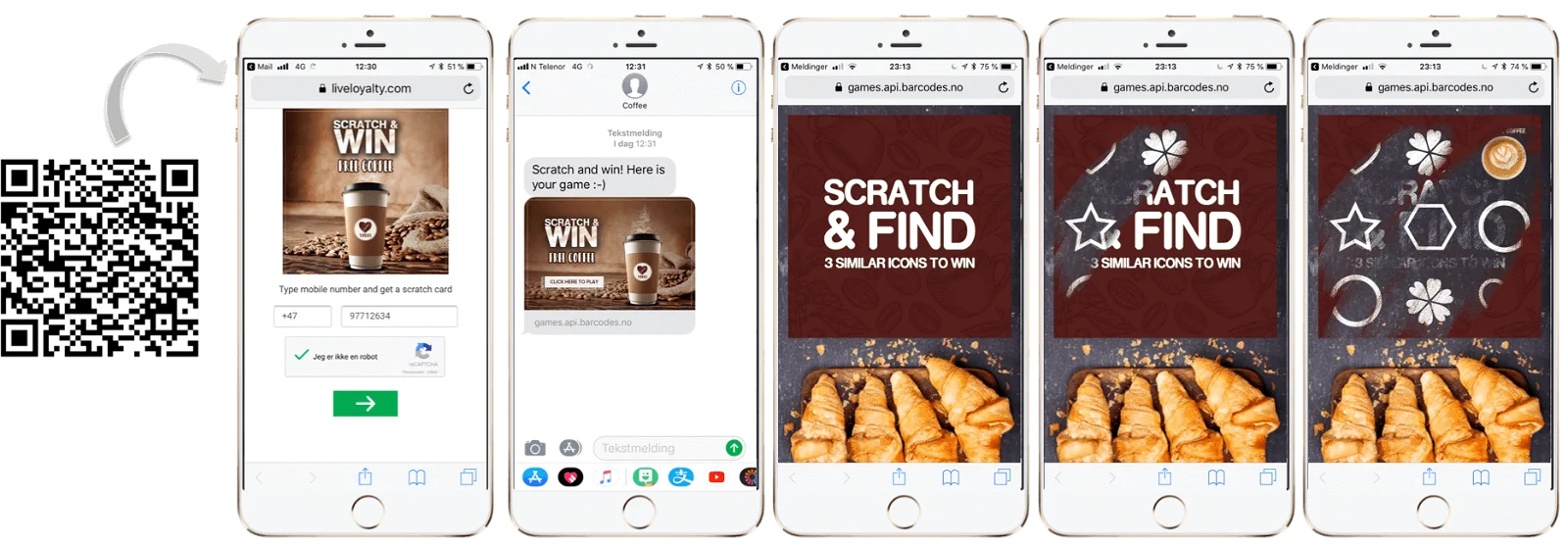
Get inspired with someReal Cases
This is the scratch card game model:
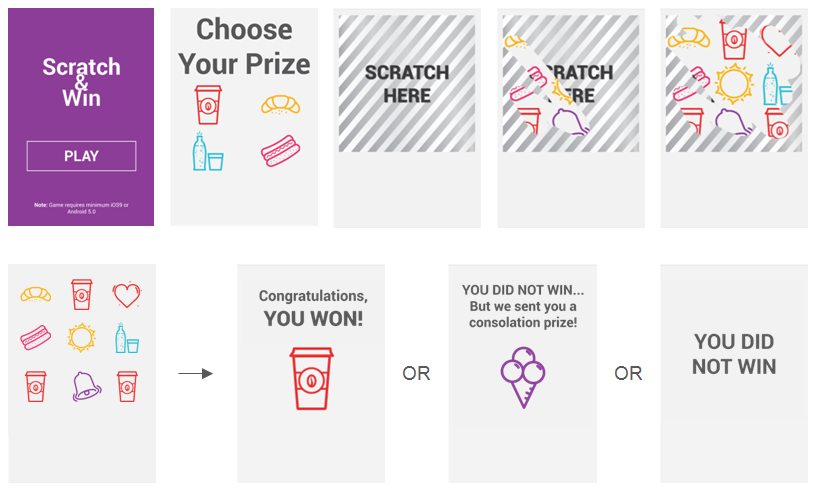
When customers win the main prize or consolation prize, this can trigger a wide range of rewards, eg. sending a coupon, game, or survey, giving loyalty card stamp(s), top-up points balance, or gift card.
Scratch Card Demo
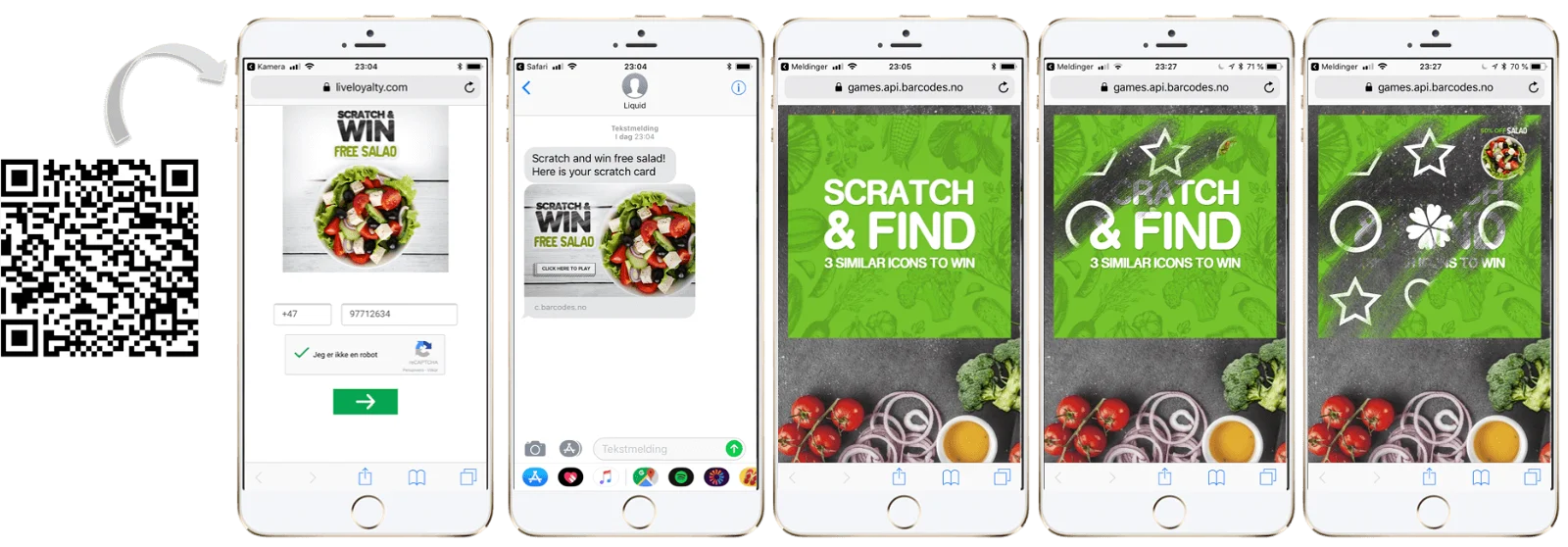
* To see additional demos, scroll down to the very bottom of the page
RESOURCES
Photoshop file with templates. The fastest way to create graphics.
Folder with example images.
IMAGE LIST AND TIPS
All images are required and both PNG and JPG image formats are supported unless noted otherwise:
| NAME | IMAGE | WIDTH (px) | HEIGHT (px) | REMEMBER! |
| Introduction | 640 | App: Image coupon SMS preview: 640 | Click to start the game. Make sure to clearly communicate: - PLAY button - For discount prizes: manage expectations by communicating what the prizes are (e.g. Win 1/2 price coupon) - Note: Game does not work on older OS versions - Age restrictions if relevant - Campaign duration (number of days to play OR start & end date for games with fixed dates) - Drive repeat visits - inform customers that they can play once per day, week, month, etc. You control this via a setting in the campaign setup. | |
| Background image | 640 | 950 | The image that is used as background on all game pages. To reduce graphics workload, the game can look great even with solid single-colored background! | |
| Overlay | 600 | 600 | Scratch to reveal prize. Make sure the game mechanic is clearly communicated. | |
| Prize icon | 600 | 600 | Transparent PNGs. The image represents the prize. One image per prize. OBS: Product images make great prize icons and reduce graphics workload! It is recommended that the icon clearly communicates the deal the user gets, especially if the prize is not a free product. | |
| No win icon | 100 | 100 | Transparent PNGs. Icons that do not give prize. Five icons are required. Make sure to keep them easily distinguishable. It should not be possible to confuse any of the no-win icons with other no-win icons or prize icons. | |
| Consolation prize icon | 600 | 600 | Optional. Only required if you have consolation prize. Transparent PNG. It is recommended that the icon clearly communicates the deal the user gets, especially if the prize is not free product. | |
| Choose prize top image | 600 | 300 | Optional. Only required if users should choose prize. Transparent PNG. Shown on top of select prize page before game begins if user can choose between multiple prizes. | |
| Win top image | 600 | 300 | Transparent PNG. Image shown at the top of end screen if you win. Prize icon is shown below this image. Consider informing customers that they can play again later (eg. tomorrow). | |
| No win top image | 600 | Minimum 300 | Transparent PNG. Image shown on end screen if you do not win. Consider informing customers that they can play again later (eg. tomorrow). | |
| No win - consolation prize end image | 600 | 300 | Optional. Only required if you have consolation prize. Transparent PNG. Image shown on end screen if you win consolation prize. Prize icon is shown below this image | |
| Thumb image | App only | App specific | App specific | App specific |
For apps, image sizes are app-specific.
PRIZES STRATEGY
Be consistent across your scratch card campaigns on your approach to prizes.
If you have run 5 scratch card campaigns with only FREE products as prizes you will get user support requests when the 6th campaign has discount coupons as prizes. In such case you have educated the app user base that when there is a scratch & win campaign they should expect FREE products to be prizes.
If you however consistently always have a mix of FREE products and discount coupons as prizes in scratch & win campaigns the app user base gets used to this.
We recommend always using a mix of FREE products and discount coupons. This enables you to have lots of prizes in each game (high probability to win) and also it enables to drive purchases in-store and not just sampling traffic.
WIN PROBABILITY
How should I set the win probability?
Unlimited number of rewards
Set win probability to give a good customer experience. Sometimes users should win every time. Sometimes users should expect to win once per week for games played once per day.
Limited number of rewards
The optimal win probability spreads out prizes across the whole campaign period.
Win probability allows you to control the number of prize issues to be won every day of the campaign, as a function of the number of games played. The Total number of available prizes limits the number of prizes that can be issued. The formulas for determining win probability are thus:
Win probability = Total number of available prizes / Total games played, where:
Total number of available prizes = Redemptions budget per prize / Redemption rate per prize*
Total games played = Campaign duration x Average games played per day**
*This rate can be difficult to predict, so adjustments to the win probability may be required during the campaign. Setting a short time to expiration on prize coupons makes it easier and quicker to get more precise information on redemption rates.
**In the dashboard, day-by-day statistics on your previous game campaigns are readily available.
Scratch card video
More Demos